
2026 Contribution Limits, With Increases Across the Board
November 3, 2025
2025 Review, Q4 Statistics and Today Matters
January 1, 2026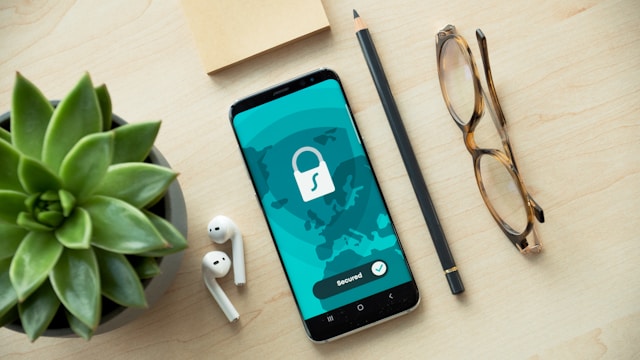
By Chris Daunhauer
I’ve been learning more about “two-factor authentication” (2FA) and “multi-factor authentication” as more secure options for logging in to online banking. Until recently, I assumed that all the options my bank allows are about the same. I was wrong about that.
Hackers are becoming increasingly clever and sophisticated every year, and banks are responding by developing new security measures and better login methods. But banks know that their customers resist changes, even changes that improve security, and so banks don’t always force their customers to adopt the newest and best method. Over time, the method that a bank’s customers are most familiar with may not be the most secure method that bank offers.
For many years, gaining access to a checking and savings accounts online required only a username and password. That method was easy and fast, but not very secure. Many customers used guessable passwords or shared them with others. For those customers who did not make those mistakes, hackers began building powerful password-cracking computers. To help foil password hacks, banks began asking their customers to enable two-factor authentication (an extra step) and allow the bank to send a text message to the customer’s cell phone number each time that customer wanted to log on.
This SMS text message extra step has become common for lots of logins. You probably jump through this hoop multiple times each week for the accounts you access online. At a login screen, you type your username and password and then click ENTER. Your bank responds by sending a code via SMS text message to the cell phone number associated with your account. When this code appears on your cell phone, you enter it on your bank’s login screen and then (assuming it matches what your bank expects) you are allowed access to your account.
SMS text seemed good enough to me until a few months ago when my brother fell prey to something called “SIM swapping” in which a hacker was able to take over his phone number — the same number that his bank sends SMS text messages to when verifying my brother’s identity during his bank logins. My brother did not lose his phone, it just stopped being the phone that texts to his phone number were going to!
(There’s some evidence that my brother’s cell service provider was fooled into believing that he had lost his phone, that he bought a replacement, and that he needed to have his number (his SIM) moved over to that replacement phone. None of this was true, of course. The “replacement” phone that his cell service began associating with his phone number was a phone in the hands of the hackers. With confirmation texts from my brother’s bank now going to the hacker’s phone instead of to my brother’s phone, it was easy for the hackers to reset his bank password and gain near total control over his accounts.)
SMS text message authentication is certainly better than just username and password, but a text message is not particularly secure while en route from a bank to its customer’s phone. One of my clients is a retired phone company IT manager, and he describes SMS texts as “postcards sent through the mail.” (Not to mention cases of hackers tricking victims into telling the hackers the bank authentication codes those victims receive from their banks.)
Thankfully, there are better and stronger methods for bank website logins – better than a simple SMS text message.
One of the better methods is using a mobile app (software) that you download from your bank’s website (or official app store) that turns your phone into a secret code generator. The software inside that mobile app on your phone uses an algorithm that is specific to you and to the unique serial number of your phone. It generates a frequently changing code that your bank knows to expect from your phone when you want to login. This secret code is not a number that your bank sends to your phone number, it’s a code that your bank knows that its app on your phone will generate at a given time on a given date. Even if a hacker commandeers your telephone number (like they did my brother’s), the hacker won’t know the secret code that your phone has generated (and that your bank is expecting from you as part of a legitimate login) because the hacker does not have your phone in his or her possession.
Google, Microsoft, and a few other companies like them offer free “authenticator apps” and these work much the same way. Using this form of authentication, accessing your accounts requires something you know (your username and password) AND something you have in your possession (your phone). This app-based method is better than just a username, password, and a code texted to your phone number. And it is miles better than just a username and password.
Newer model phones and some laptops can go even further by adding biometric sensors to the login security mix. Those sensors scan your face or your thumbprint to confirm that the person holding your phone at the moment who is using it to access your bank accounts is really you. With biometric authentication enabled, a successful login requires something you know (your username and password) AND something you have (the phone in your possession) AND ALSO something you are (a person with your face or your thumb).
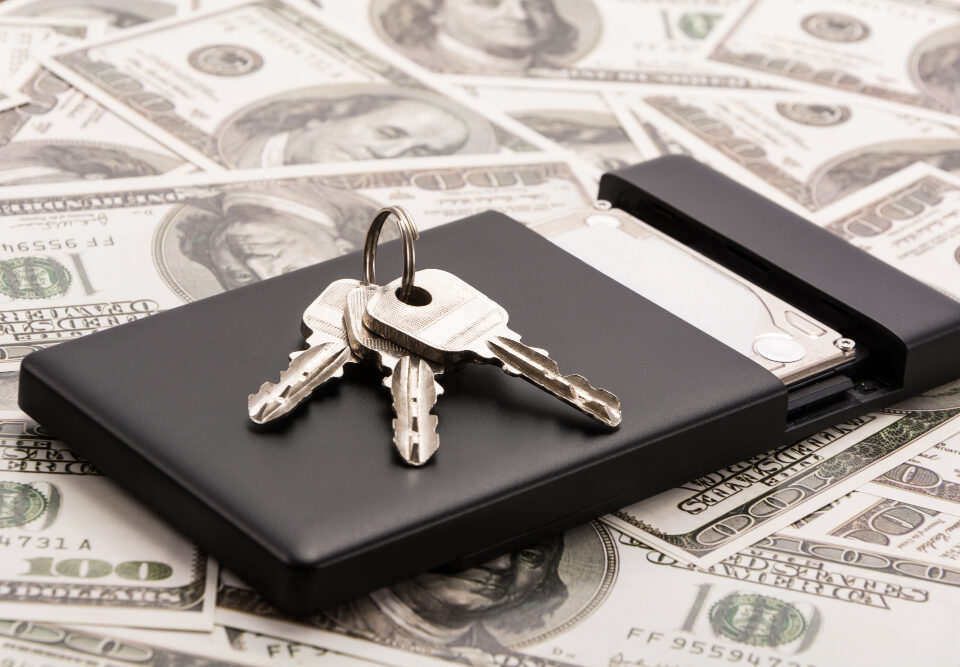
Some banks offer a security method that has nothing to do with your phone – a hardware-based 2FA token or security key. An account owner using this hardware-based authentication method is issued a USB key that plugs into the computer or phone or in some cases a token or wallet card that generates a 6 digit secret code. Hardware-based authenticators have no connection to wifi or cell signals, and that makes them extremely hard for bad actors to get access to.
Hackers are a motivated bunch, and nothing can be made 100% secure, but some login methods are more robust than others. If your bank login requires only a user name and password, or if your bank’s two-factor authentication method is just an SMS text message sent to your cell phone number, ask your bank for a better, stronger option.